

Build smarter AI agents
that
Automate
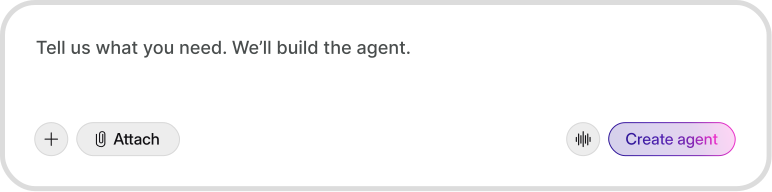
Define the goal, connect your workflows, and let agents do the work while you focus on decisions that matter.

What breaks in real teams
Too many repetitive questions and tickets daily
Context spread across docs, chat, and tools
Inconsistent replies and unclear next steps often
Automation without visibility creates a serious risk
No insight into what keeps repeating

How agents solve it
Handle repeat requests faster with agent templates
Read context inside your existing tools seamlessly
Standardize responses and actions with rules
Require approvals and keep clear audit trails
Use analytics to spot patterns and fix gaps
Start with an agent
built for your work
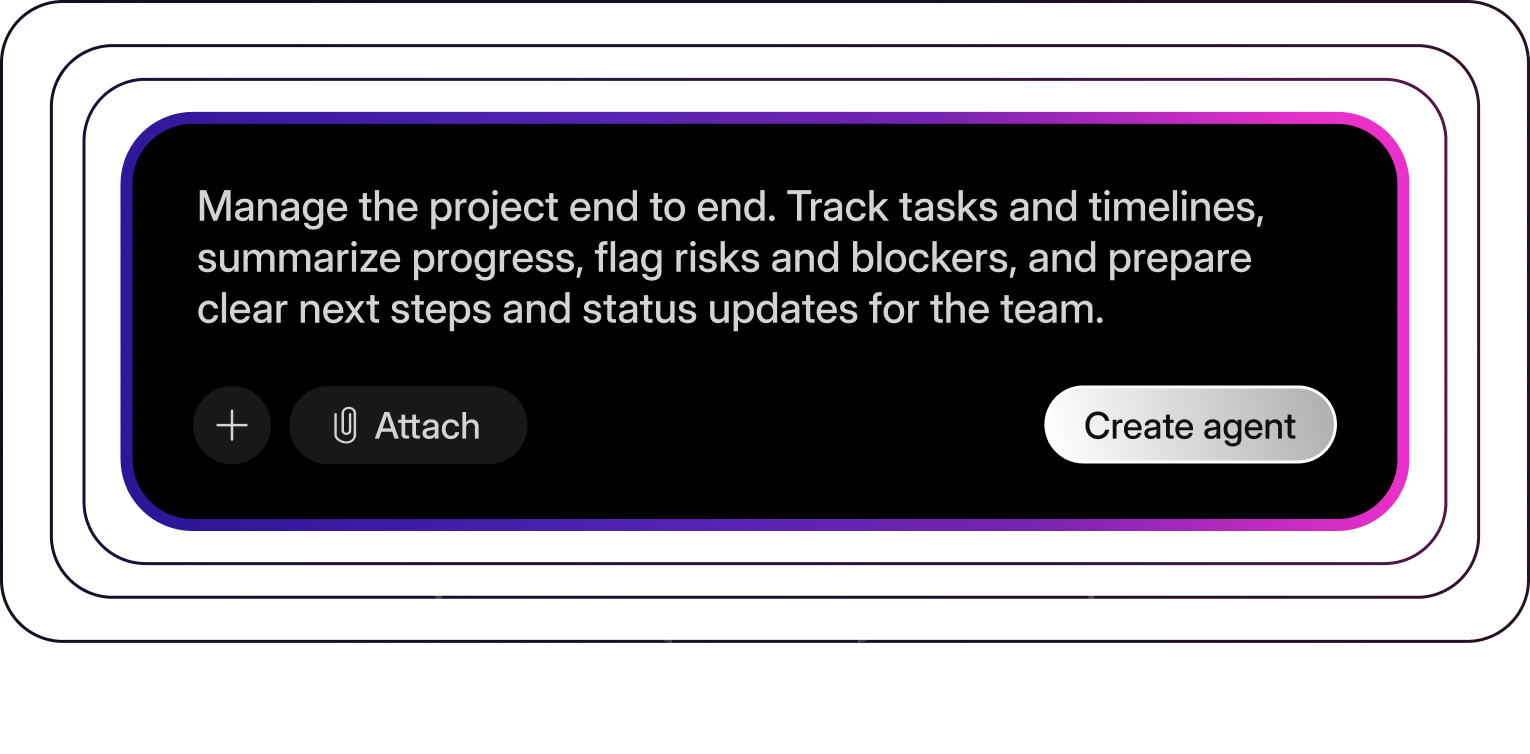
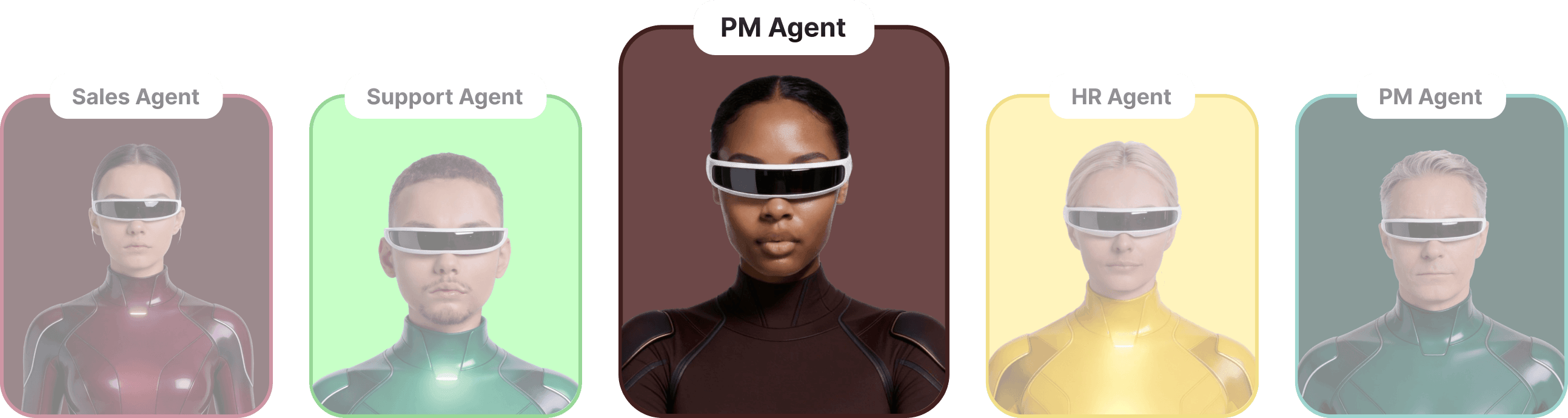
PM agent template
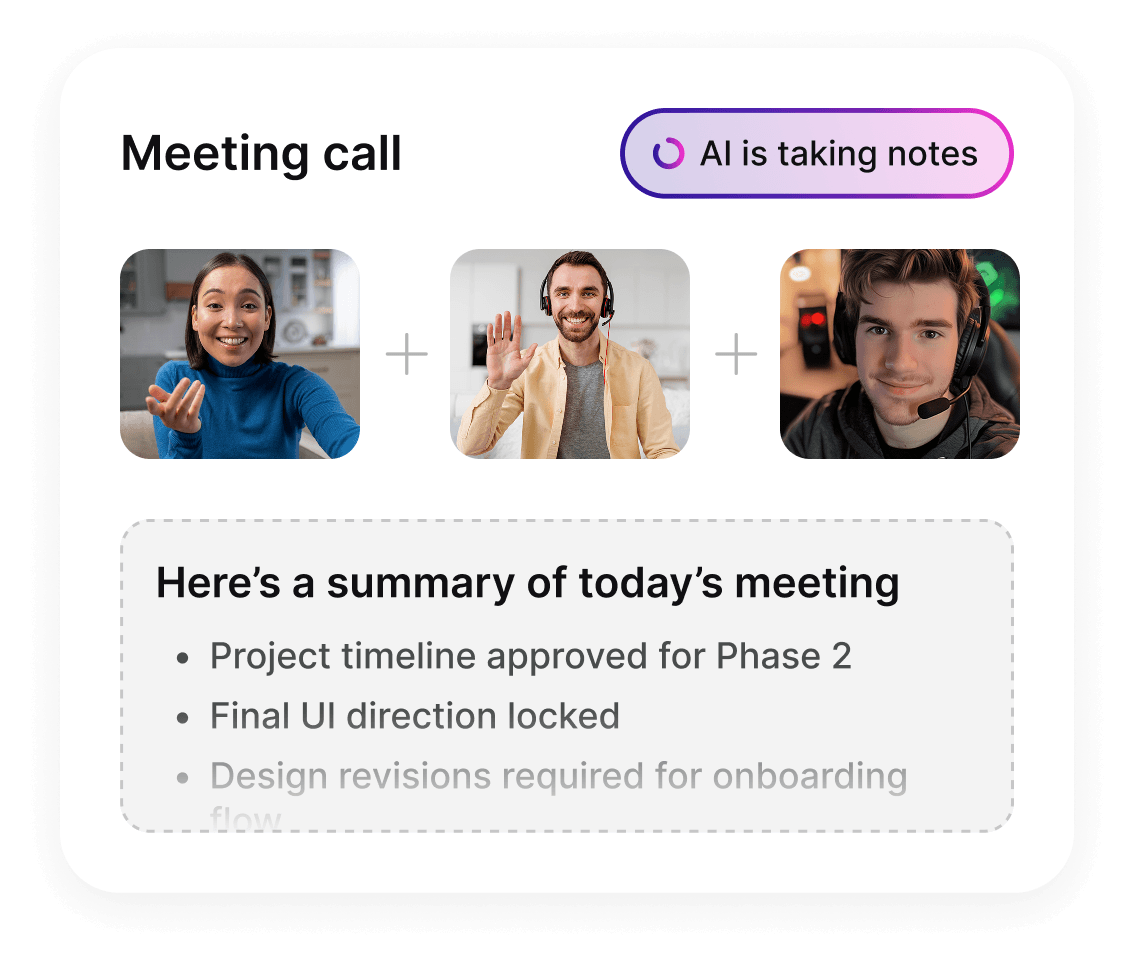
Turn notes into PRDs, generate release notes, and keep Jira updates consistent.
PRD structure: problem, scope, UX, edge cases
Decision summaries with links back to sources
Status updates written for stakeholders


HR agent template
Answer policy questions, assist onboarding, and draft HR documents
Policy-safe responses with “when to escalate”
Onboarding checklist and role-specific guidance
Drafts emails, letters & announcements
Support agent template
Deflect common questions, draft replies, route edge cases, and keep internal notes clean.
Pulls answers from docs and past tickets
Triage rules: priority, tags, and escalation
Writes customer-ready responses in your tone


How it works
Connect sources, choose a template, and deploy with rules that your team can trust.
Add knowledge
and boundaries
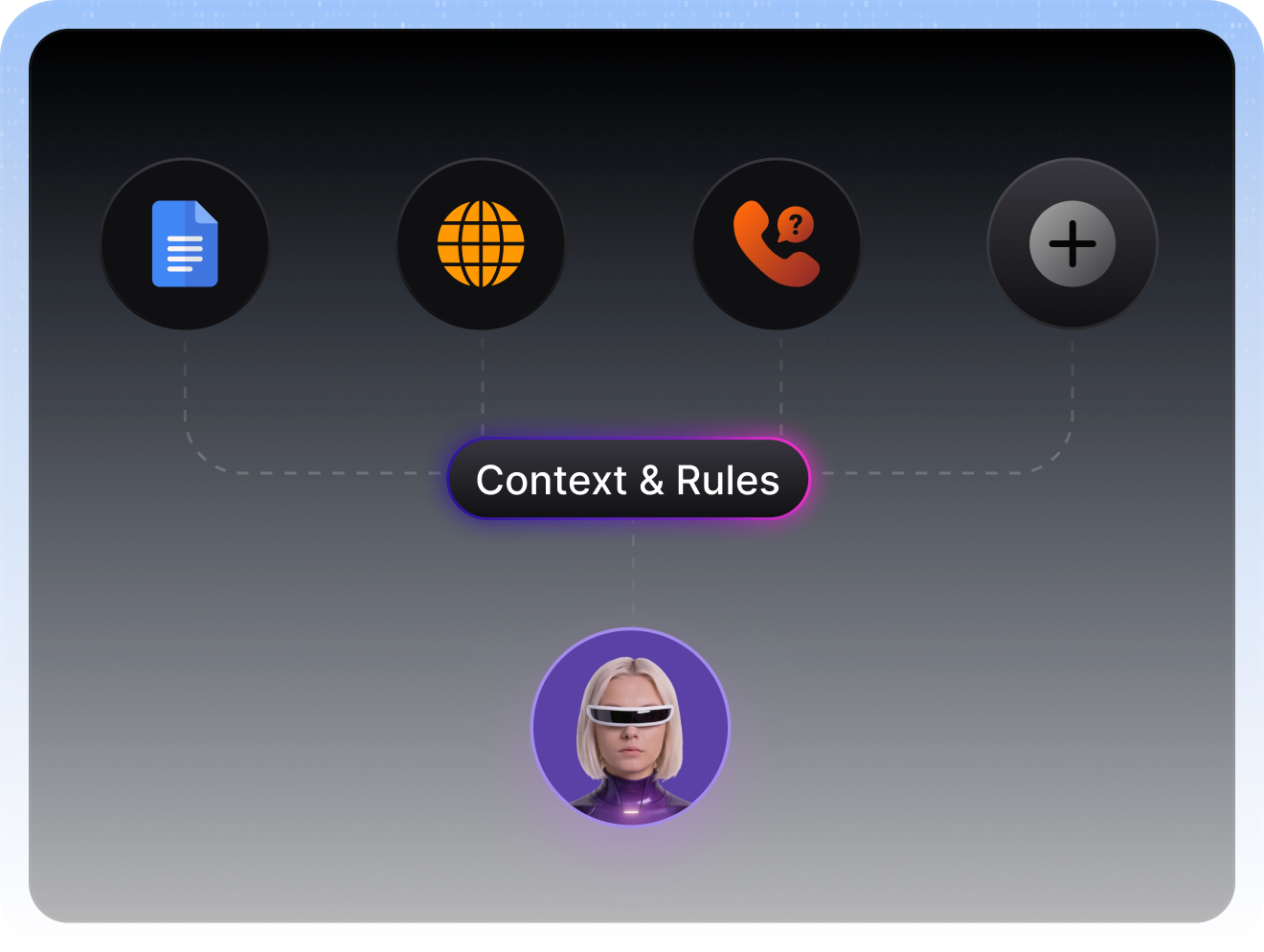
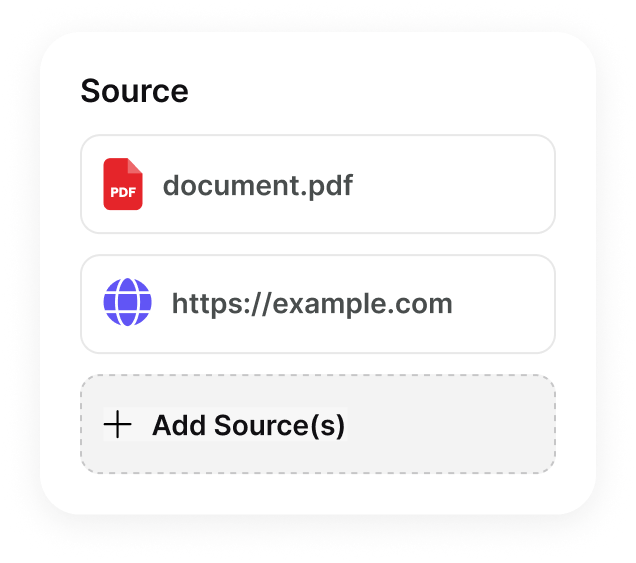
Bring your docs, help center, and internal pages. Define what the agent can use and what it must avoid.
Pick a template
and set rules
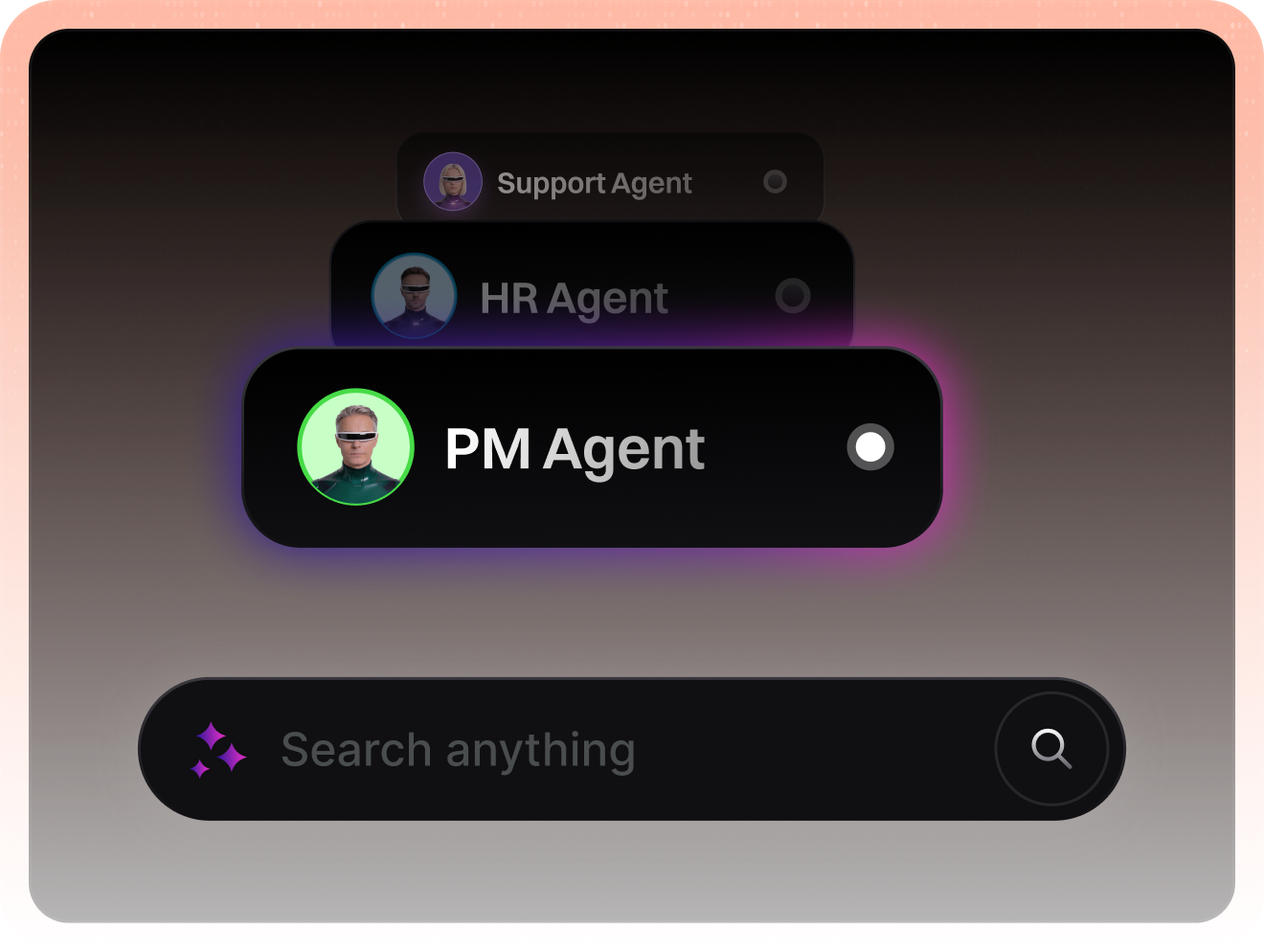
Choose a template, set tone, decide when to escalate, and choose which actions need approvals.
Deploy to channels
and tools
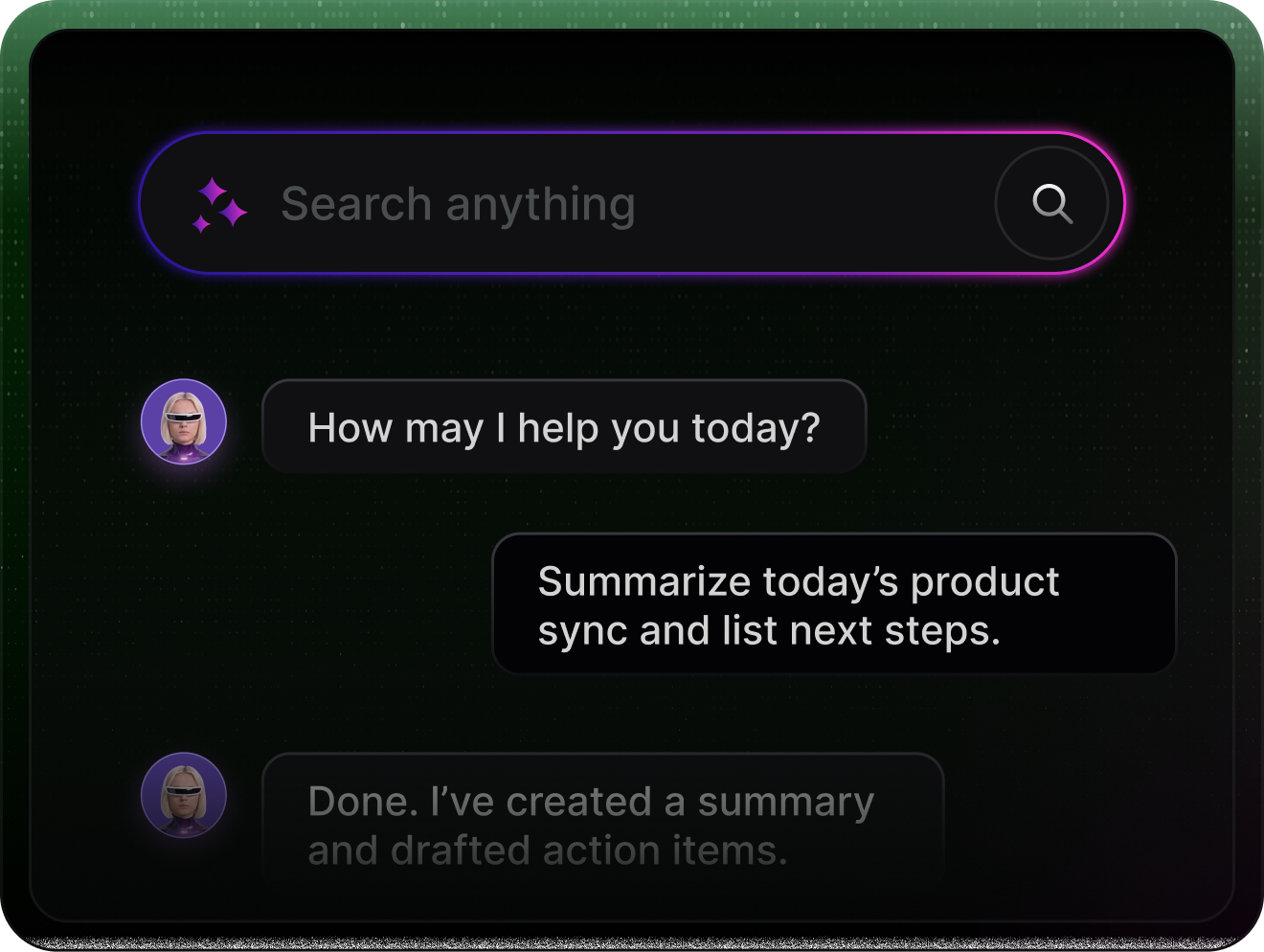
Run agents in chat, helpdesk, or internal workflows. Keep logs so teams can review and improve.
Integrates where your team already works

 FlowSync

 DataNest

 Cloudly

 Nexlify

 Syncora
FlowSync
DataNest
Cloudly
Nexlify
Syncora
Syncora
FlowSync
DataNest
Cloudly
Nexlify
Syncora
 NoteStack

 AutoZap

 ChatFlow

 Supportify
 TeamWave
 NoteStack
AutoZap
ChatFlow
Supportify
TeamWave
NoteStack
AutoZap
ChatFlow
Supportify
TeamWave
Built to turn decisions into reliable actions
Generate agents that behave consistently, stay within boundaries, and give teams visibility.

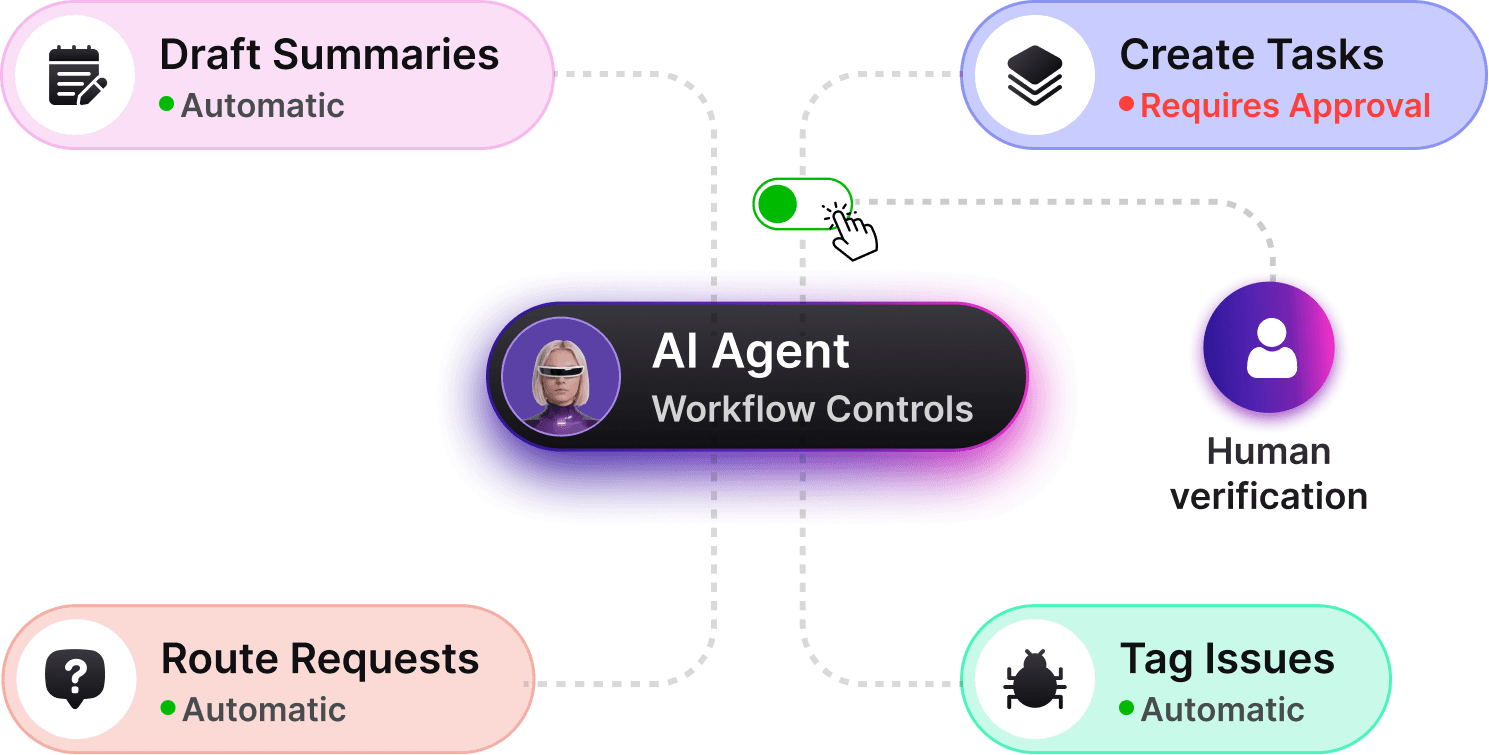
Workflow actions with guardrails
Agents draft summaries, create tasks, and route work. You decide what runs automatically and needs approval.




Source boundaries & context
Limit what agents can access by defining approved sources like docs, help centers, or internal pages.
Workflow actions with guardrails
Create agents with ready-made templates or simple rules. Customize behavior without starting from scratch.

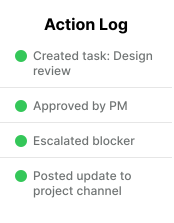
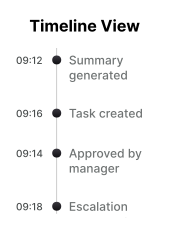
Visibility & audit trails
Every agent action is logged and traceable, so teams can understand what happened and why.






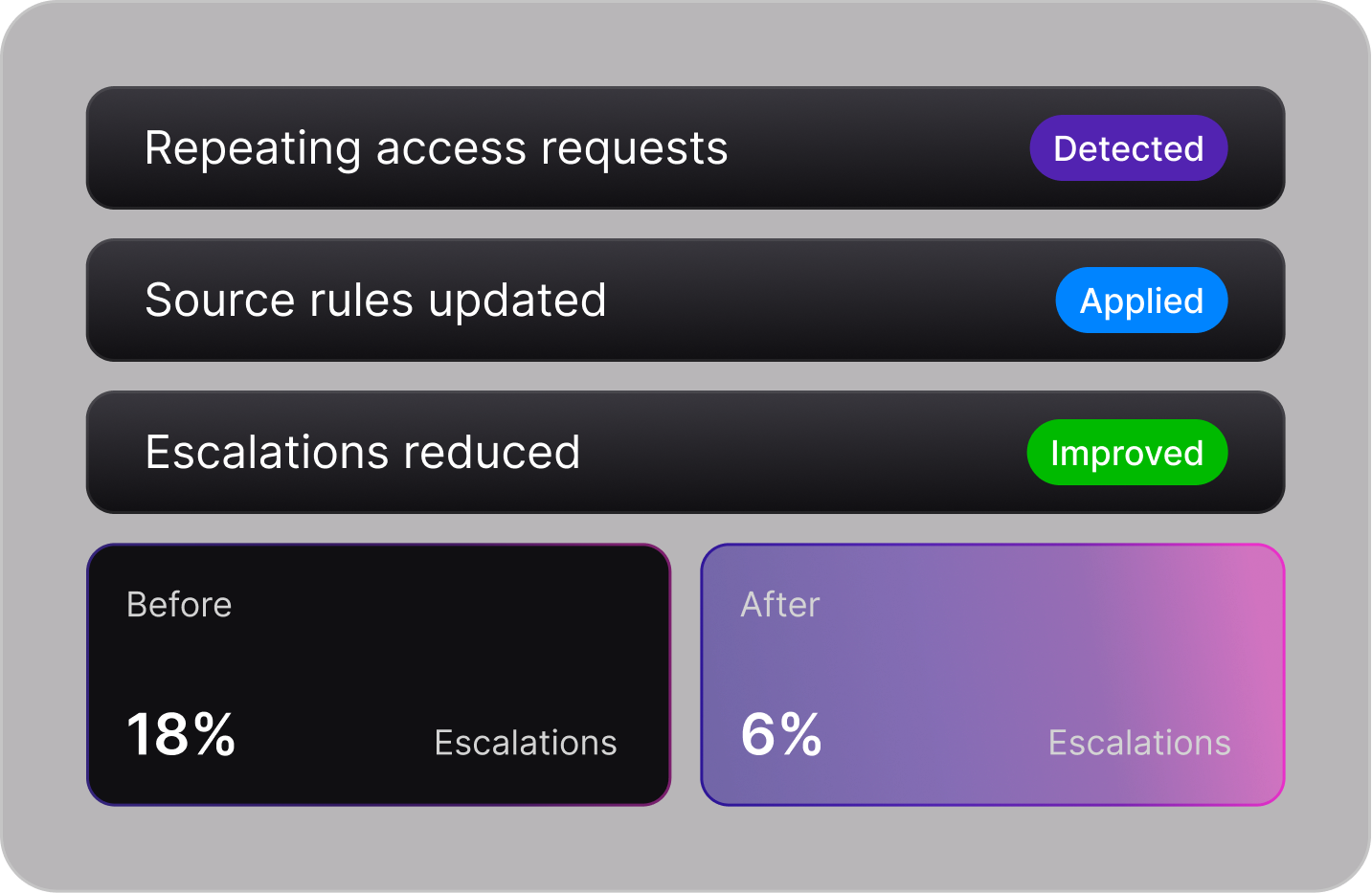
Analytics & improvement
Track adoption, common topics, deflection, and escalation reasons. Fix gaps by improving sources and rules.
Live demo of common use cases
A real-time chat showing how common team workflows are handled from request to completion.
A new teammate joined today. Create an onboarding checklist and request tool access for them.

What's their role and start date? Also, which tools do they need: Slack, Notion, Jira, or GitHub?
Marketing agent starting today, connected to Slack, Notion, and Jira to coordinate updates.
Got it. I created an onboarding checklist with week 1 tasks and drafted access requests for Slack, Notion, and Jira.
Example workflow: onboarding + access request
20+
Common workflows automated


5,000+
Users rely on agents every day
10x
Faster handling of repeat requests
Built for control, privacy, and accountability
Agents are designed to operate within clear boundaries, with full visibility and human oversight.



Simple, scalable pricing
Starter plan
Best for individuals and small teams trying agents.
- 1 agent
- Ready-to-use templates
- Manual approvals only
- Basic activity logs
- Community support
Pro plan
For growing teams running real workflows at scale.
- Up to 10 agents
- Custom templates
- Human-in-the-loop controls
- Basic activity logs
- Community support
Team plan
For teams managing higher workflow volume.
- Includes all Pro plan features
- Up to 25 agents
- Advanced analytics
- All integrations
- Higher workflow limits
Enterprise plan
For organizations that need scale, security, and control.
- Unlimited agents
- Advanced permissions
- SSO & compliance support
- Dedicated audit & analytics
- Custom guardrails
- Dedicated onboarding
Trusted by teams building
real workflows
Review by 356 users worldwide

“Agents now handle first responses, summaries, and routing. Our team focuses on edge cases instead of repetitive work.”


“Knowing exactly what the agent did and why made it easy to roll this out across teams without risk.”

“We started with a PM agent, then customized it as workflows evolved. No rebuilding from scratch.”

“Before this, every team handled requests differently. Now we have consistent workflows with clear approvals and visibility.”
Frequently asked questions
An agent is a task-focused assistant that can read context, follow rules, and take actions like drafting responses, creating tasks, or routing requests, with approvals where needed.
Still have questions? Contact support
Build your first agent today.
Pick a template, connect your tools and knowledge, and deploy with guardrails. Scale to more workflows once the first agent proves value.